

Welcome to JoggAI API
The JoggAI API unlocks new possibilities, enabling you to effortlessly create dynamic avatar videos and seamlessly integrate JoggAI’s advanced AI features into your product.Create Account
Sign up and get your API key
Pricing
View credit pricing
Error Handling
Understand error codes
Rate Limits
Manage API usage
Create Account
Sign up to create an account at https://app.jogg.ai/register to access JoggAI’s API capabilities.Get Your API Key
1
Sign In
Log in to JoggAI
2
Navigate to API Settings
Click your avatar → Select “API” from the menu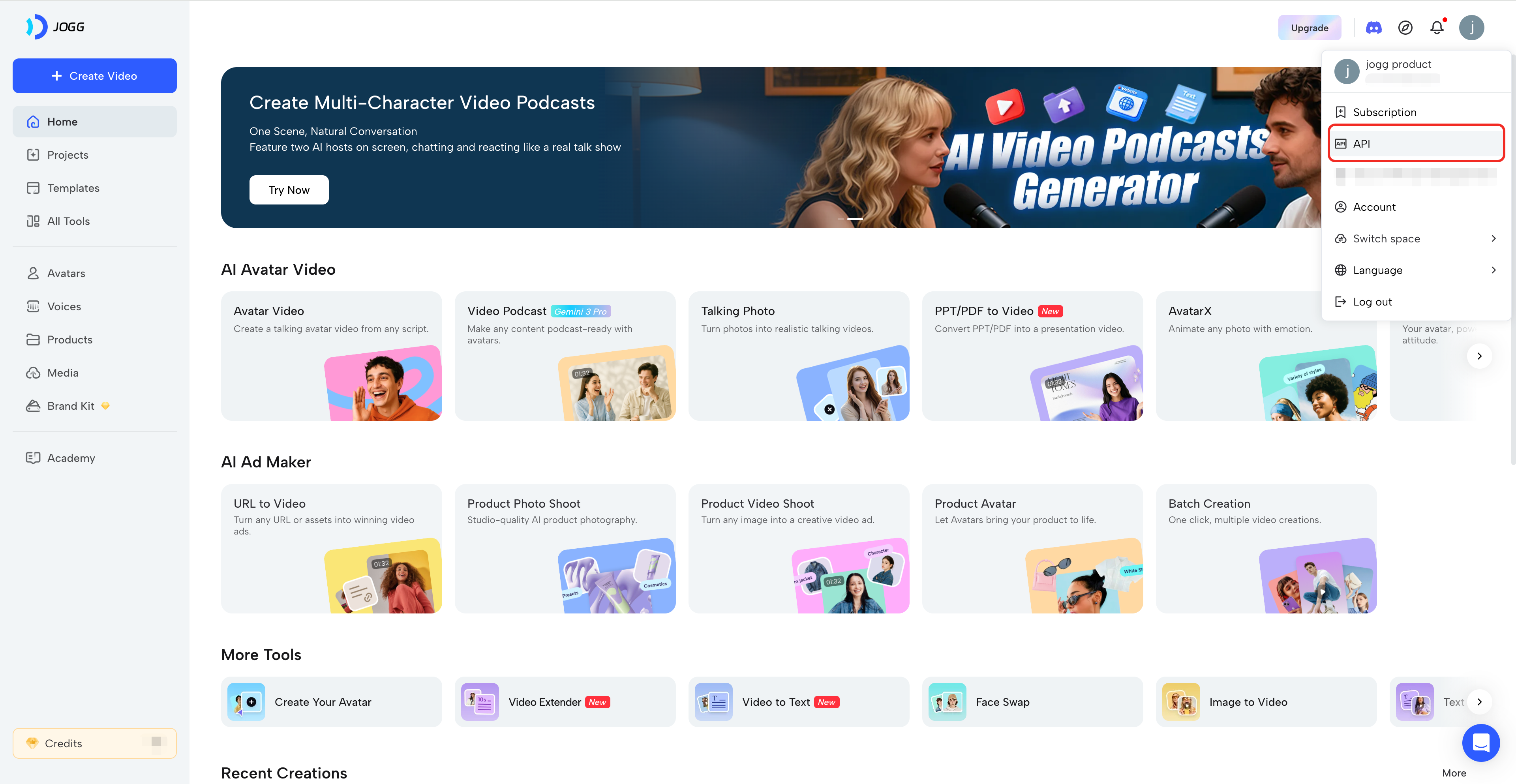
3
Copy Your Key
Copy your API key and store it securely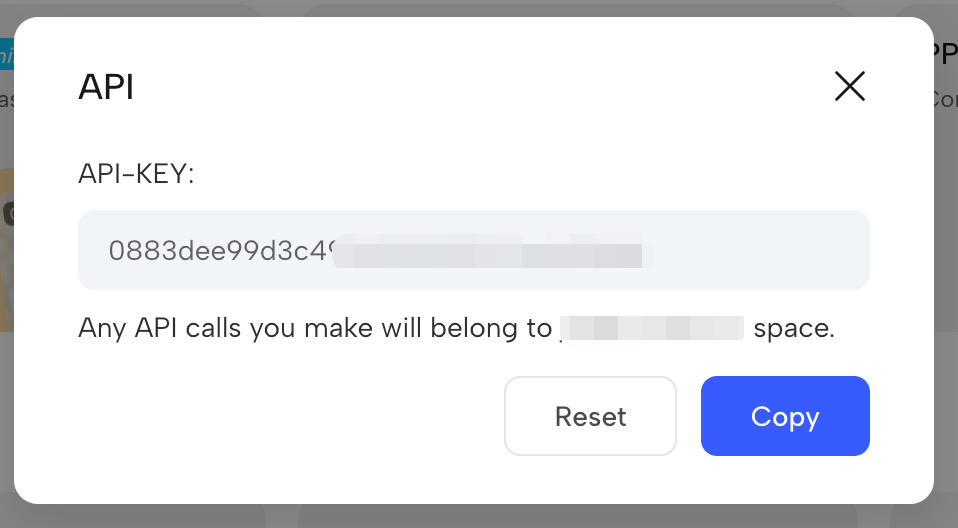
Test Your API Key
Include your API key in the request header:Quick Start Example
Here’s a simple example to create an avatar video:Need Help?
For questions or issues:- Email: support@jogg.ai
- Dashboard: app.jogg.ai
- Documentation: Explore our workflow guides for detailed examples
Include your user ID (not API key) when contacting support.